

Managing both a physical store and an online shop can feel like juggling two separate businesses at once. You’re constantly checking inventory, updating orders, and reconciling sales — all while trying to serve customers efficiently. For many Philippine retailers, this is overwhelming.
- Inventory mismatches across online and offline channels, leading to overselling or underselling
- Increased workload from manual updates on multiple systems
- Sales data being scattered, making it hard to track performance by channel
- Higher costs from using separate systems for in-store and online operations
- Limited customer convenience, such as the inability to buy online and collect in-store
What Is POS and Online Store Integration?
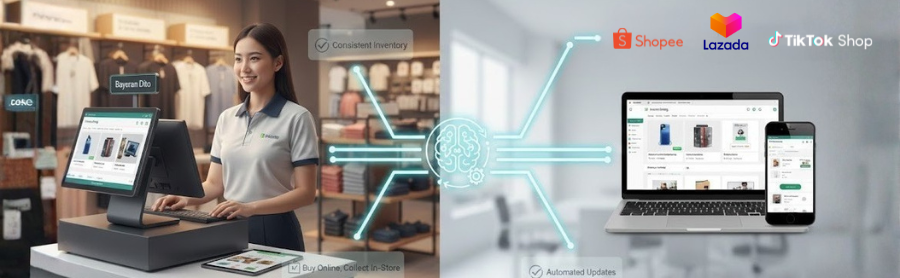
Why POS and Online Store Integration Matters for Philippine Businesses?
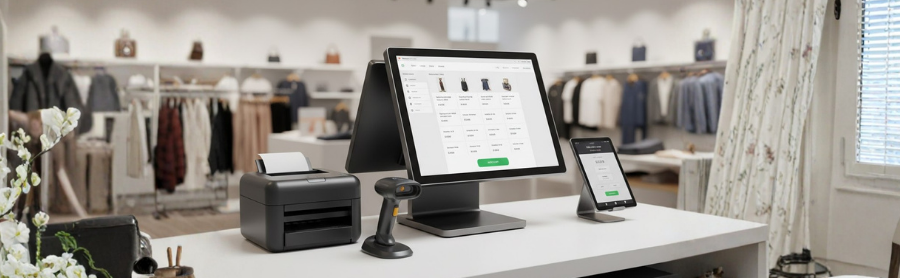
- Keep inventory accurate across all channels
- Reduce manual work and errors
- Fulfill orders faster
- Provide a smoother, more reliable shopping experience
Common Challenges Without POS and Online Store Integration

- Inventory mismatches leading to overselling or underselling – Stock levels may fall out of date without real-time syncing.
- Time-consuming manual updates across multiple systems – Updating inventory, prices, and orders manually across platforms consumes valuable time.
- Sales data scattered across platforms, making performance tracking difficult –Hard to see which channels perform best.
- Higher operating costs from managing separate tools for offline and online sales – Using multiple systems not only increases expenses but also complicates workflow, making your team’s job harder.
- Poor customer experience due to limited options – Customers expect convenience and consistency. Without integration, you risk offering inconsistent service that may drive buyers away.
Benefits of Connecting Your POS with Your Online Store
1. Accurate Inventory Across Channels
2. Time Savings & Reduced Manual Work
3. Improved Customer Experience
4. Better Business Insights
5. Enhanced Omnichannel Management
How to Connect Your POS with Your Online Store
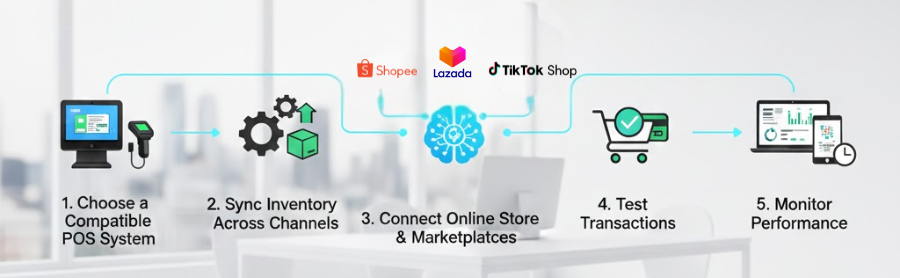
- Choose a compatible POS system: Select a POS that supports integration with online stores and marketplaces, with features that suit your business.
- Sync your inventory across channels: Automatically update stock levels to prevent overselling or underselling.
- Connect your online store and marketplaces: Link all sales channels to a centralized system for easier order management.
- Test transactions to confirm syncing: Run a few orders to ensure syncing works correctly for inventory, payments, and order records.
- Monitor performance and sales data regularly: Check sales and inventory reports regularly to keep everything running smoothly.
Simplify Your Sales with SiteGiant
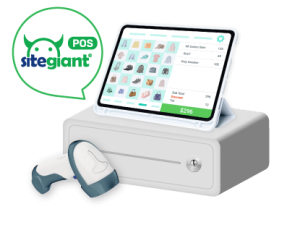
Cloud-Based POS
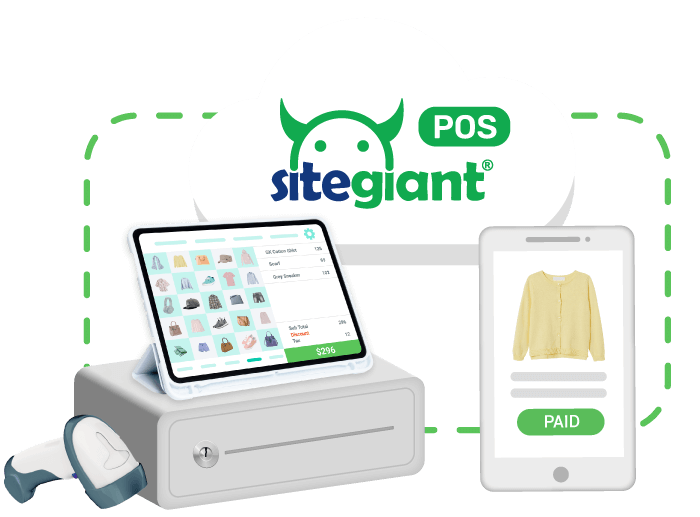
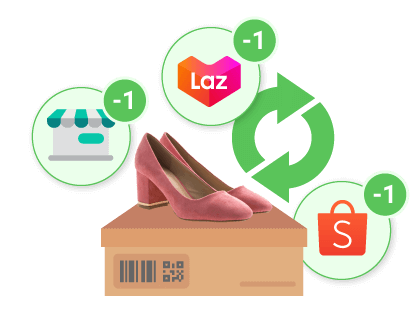
Marketplace Integration
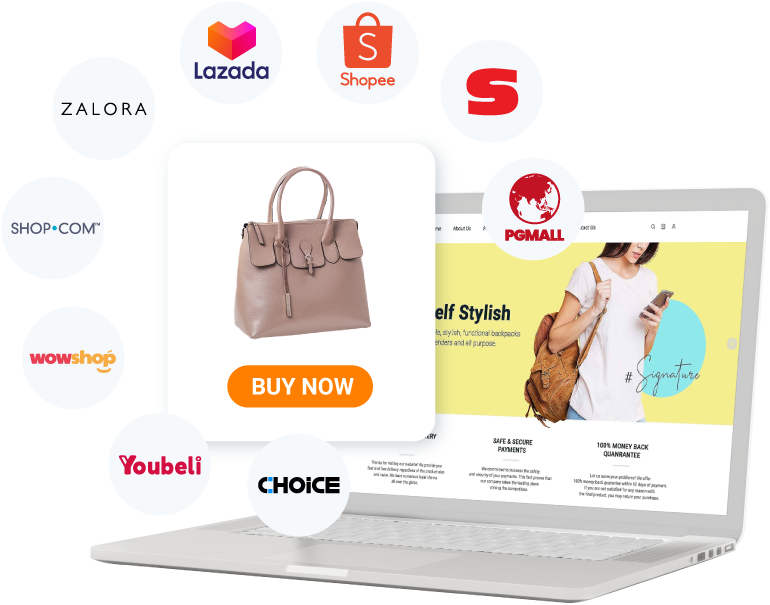
Membership Features

Buy Online, Pick Up from Store
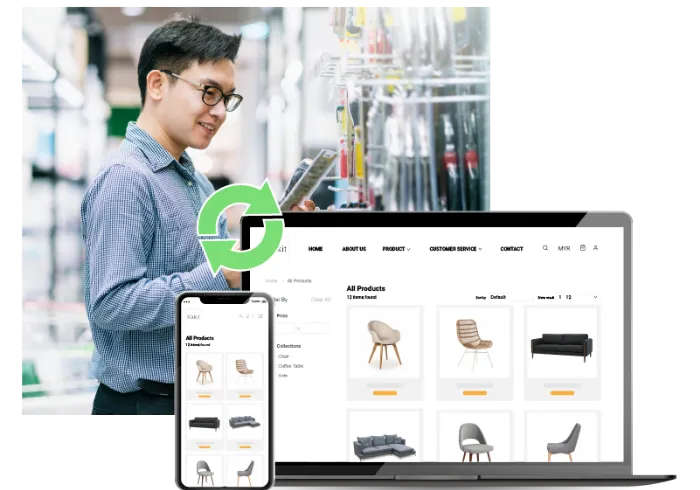
Portable and Convenient
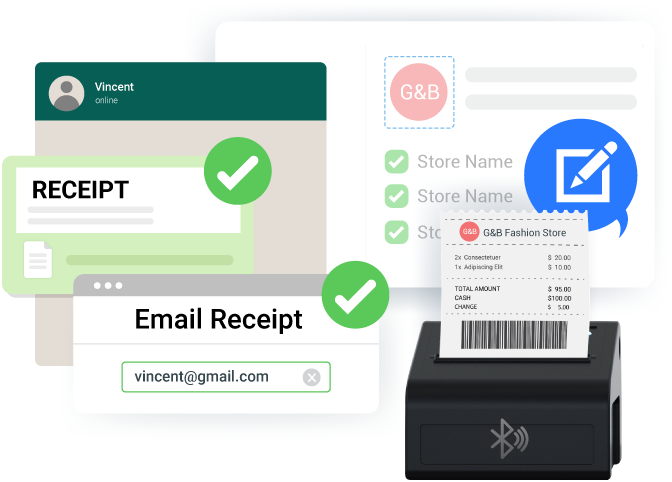
Sales & Payment Receipts
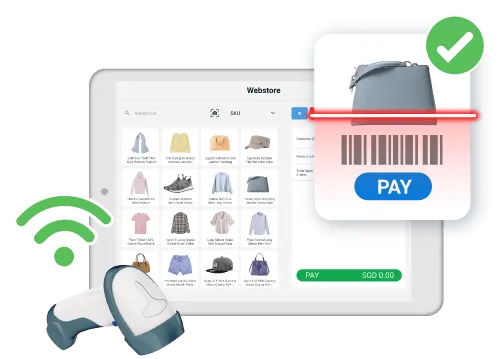
Barcode Scanning
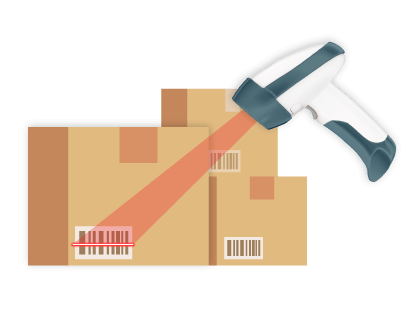
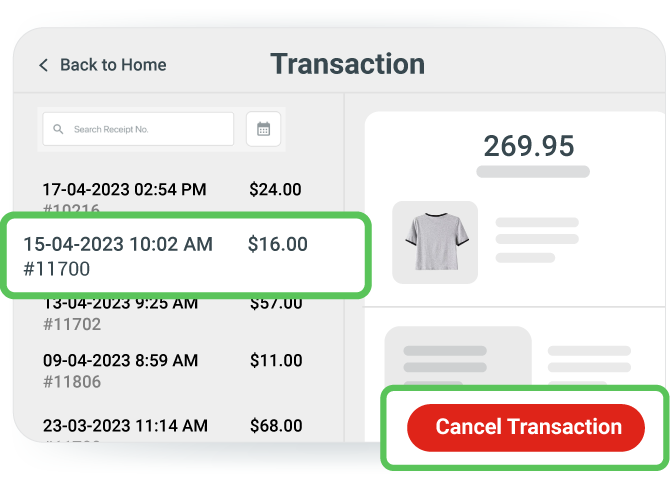
Transaction Records
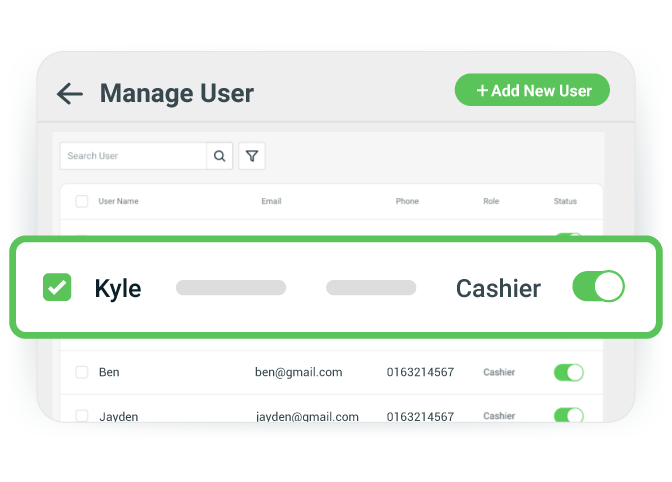
User Management
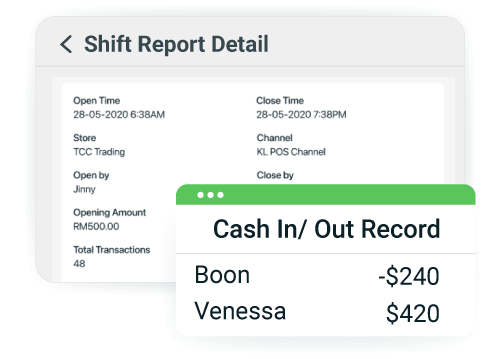
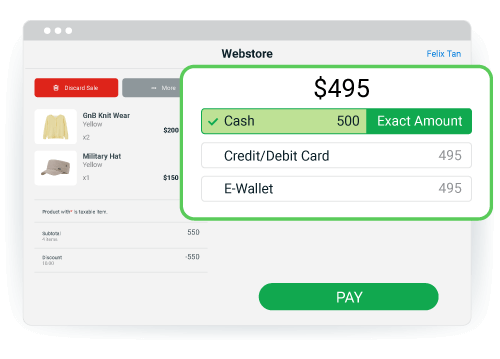
Flexible Checkout
Proven Results from SiteGiant POS Users
“SiteGiant POS is very convenient to use! You may use it on a tablet or a mobile devcice and bring it anywhere with you.”
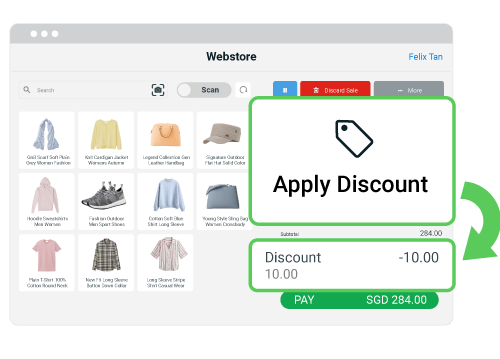
SiteGiant POS is useful for us. We can sync all our marketplace products over to SiteGiant POS. We can also apply discounts, and sales remarks and easily print sales invoice for our buyers with SiteGiant POS. It is also very convenient to use. You may use it on a tablet or mobile device so that you can bring it anywhere with you.⭐⭐⭐⭐⭐ 5/5
Man Man
BLS Home Deco
“Unify our retail and online channel's inventory!"
SiteGiant POS system provides convenience for us to take orders from our walk-in customers and is also very easy to use. We just need to select the item, choose the item's variation, and the quantity the customer purchases. Once payment is made, our inventory will be automatically deducted and synchronised across all out sales channels.⭐⭐⭐⭐⭐ 5/5
Nani
Hyper Store
Frequently Asked Questions (FAQ)
What is a POS system and why do I need one?
Can SiteGiant POS integrate with multiple online marketplaces at the same time?
Are there any limits to the number of products or users I can manage on SiteGiant POS?
Can I set different pricing or promotions for online vs. in-store sales?
Is SiteGiant POS suitable for seasonal or pop-up stores?
Conclusion