
Have you ever wondered how to take your business to the next level? Enter Facebook Live Shopping—a free tool that’s reshaping the way brands connect with their customers. Imagine being able to showcase your products in real-time, answer questions on the spot and create an engaging shopping experience that feels personal and interactive. That’s the magic of live streaming!
According to data from Meta, 1.19 billion people use Facebook daily, highlighting the platform’s immense potential for marketing and sales. This significant user base presents businesses with a unique opportunity to reach and engage with a vast audience.
If you’re looking to elevate your sales strategy and create memorable experiences for your customers, you’ve come to the right place! In this blog, we’ll introduce you to the exciting world of live shopping on Facebook. We’ll share the benefits of using Facebook Live for your business and guide you on how to start selling effectively. Let’s dive in and get started!
What is Live Streaming and Facebook Live?
5 Key Benefits of Selling on Facebook Live
Simple Guidelines for Starting to Sell on Facebook Live
Tools to Simplify Your Facebook Live Workload
What is Live Streaming and Facebook Live?

Understanding Live Streaming
Live streaming is the process of broadcasting video over the internet in real time, without being recorded or stored beforehand. It allows viewers to watch events, shows or activities as they happen.
Popular platforms like YouTube Live, Facebook Live, Instagram Live, Twitch and TikTok Live enable users to stream content instantly. Live streaming is widely used for entertainment, gaming competitions, business, education talks, and events like concerts or webinars, making real-time interaction possible with audiences worldwide.
Introducing Facebook Live
Facebook Live is a FREE tool that allows users to broadcast live video content to their followers in real time. This tool enables businesses to connect with their audience in a more personal and engaging way, allowing for immediate interaction through comments and reactions.
Whether you’re showcasing new products, hosting Q&A sessions or providing tutorials. Facebook Live offers a dynamic platform for reaching and engaging with your customers.
5 Key Benefits of Selling on Facebook Live
Let’s explore the 5 key benefits you can enjoy when you start selling on Facebook Live:
- Real-Time Engagement:
Facebook Live allows businesses to interact with their audience instantly, answering questions and addressing concerns as they arise. This immediacy helps build trust and rapport with potential customers.
- Increased Visibility:
Live videos often receive higher engagement rates than pre-recorded content, making it easier for your brand to stand out in crowded feeds.
- Cost-Effective Marketing:
Compared to traditional advertising methods, live streaming on Facebook Live is highly cost-effective. It eliminates the need for expensive production setups and allows businesses to create engaging content with minimal investment.
- Immediate Sales Opportunities:
By integrating shopping features, businesses can facilitate immediate purchases during live streams, capitalizing on the excitement of the moment.
- Interactive Experience: Viewers can participate through comments, polls and reactions, making the shopping experience more engaging and memorable.
Simple Guidelines for Starting to Sell on Facebook Live
Before you begin, sellers must meet the following requirements to go live on Facebook:
- Personal Accounts:
Your account must be at least 60 days old
- Pages and Professional Mode Profiles:
If you are using a Facebook Page or a professional mode profile, you must have at least 100 followers.
- Access Permissions:
Page users need to have the appropriate Facebook access or task access to create content.
7 Simple Steps for Starting to Sell on Facebook Live
Here are some simple guidelines for beginners looking to start selling on Facebook Live:
Step 1: Plan Your Content
Create a script or outline that includes key points you want to cover, such as product features, pricing and any special offers.

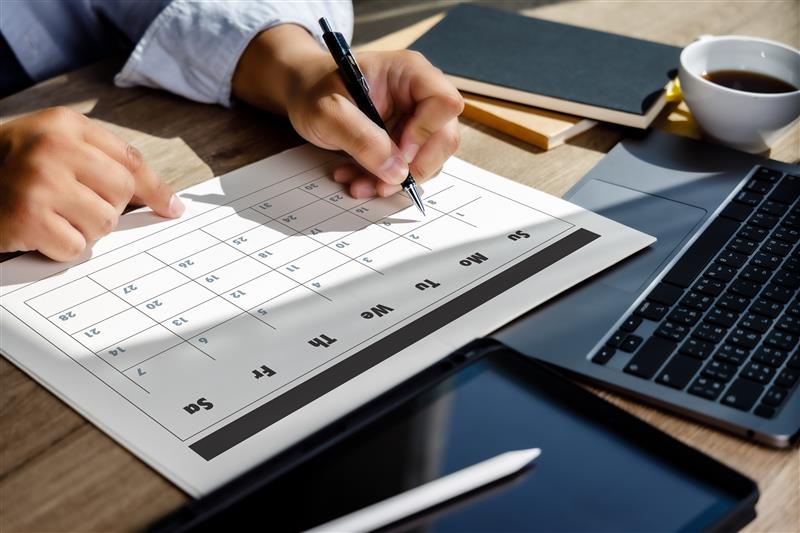
Step 2: Schedule for the Live
Analyze your audience’s Facebook activity to identify the optimal time for your live session. If your target audience consists mainly of working professionals, consider scheduling your broadcast in the evening or during lunch breaks. Schedule a live event to give your audience advanced notice.
When you schedule a live video broadcast, two posts are automatically created:
- Announcement Post: This post shares the details of your upcoming live broadcast on your profile, Page or group as soon as you schedule it.
- Live Video Post: At the scheduled date and time, a post featuring your live video will automatically be published to your profile, Page or group.
Step 3: Promote Your Live Event
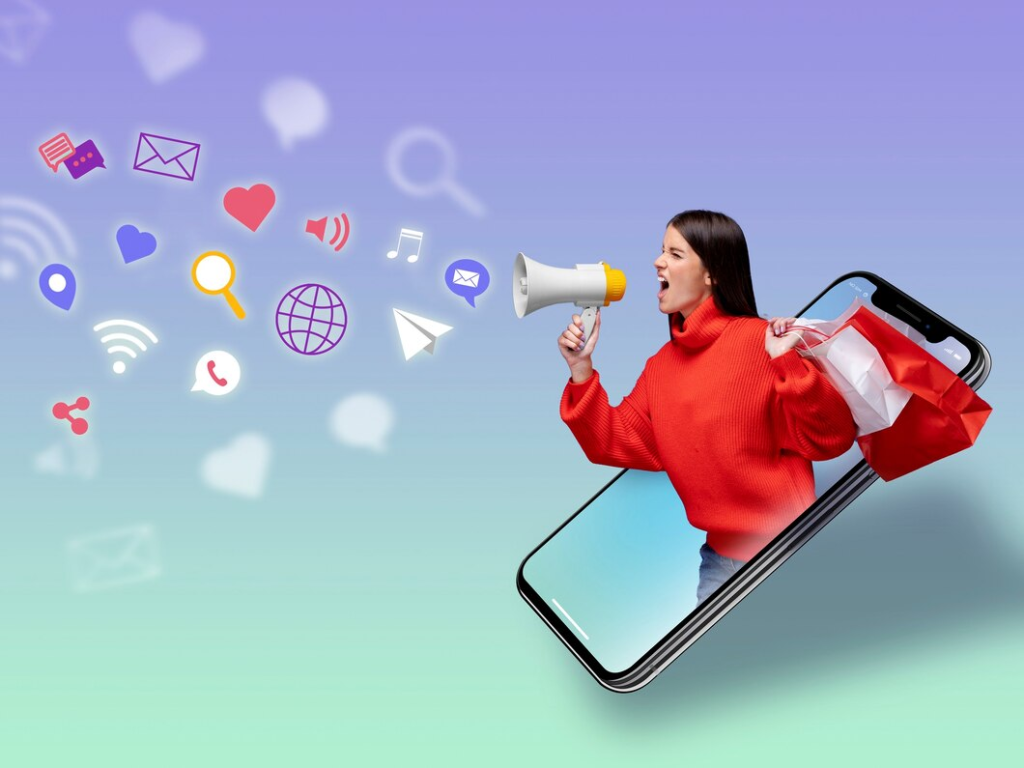
Utilize your social media channels and email newsletters to announce your upcoming live stream. Generate excitement by creating countdown posts, posters or short trailer videos. You also can invite other Facebook Pages or profiles to go live with you.
Step 4: Engage with Your Audience
Start your livestream by welcoming viewers and encouraging them to ask questions in the comments. You can also conduct live polls to gather audience responses in real time, using the results to spark engaging discussions throughout the broadcast.
For example, if you’re selling clothing, ask viewers to choose between two outfits for a live try-on session.

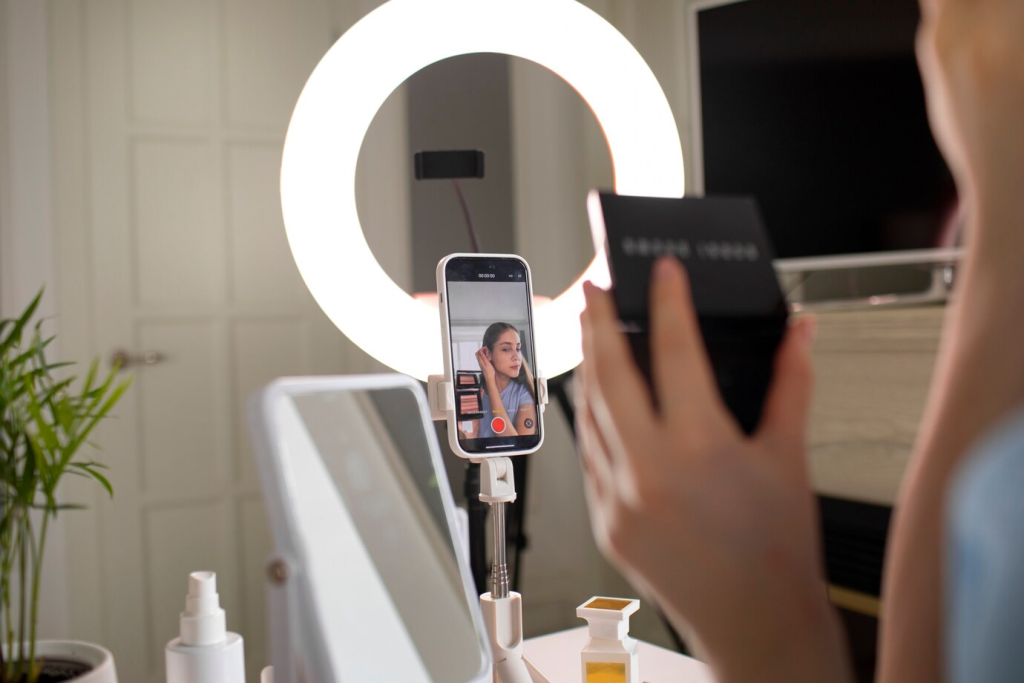
Step 5: Showcase Your Products
Hold each product up to the camera, demonstrating its features and benefits. For instance, if you’re selling new summer outfits, plan to showcase different pieces and consider hiring a model to wear the clothes. This will provide a more effective view, highlighting the cut and fit of the garments.
Step 6: Offer Exclusive Deals
Create urgency by providing a limited-time discount or special bundle deal that is available only during the live stream. For example, announce, “For the next 30 minutes, enjoy 20% off all items featured in this session!”

Step 7: Follow Up After the Live Stream
Share a replay of the live stream on your page and include links to purchase the featured products. Additionally, collect data for analysis to determine which segments of the broadcast received the highest views and sales, comparing sales amount during the live session to regular sales.
Tools to Simplify Your Facebook Live Workload
Ready to take your sales to the next level? Along with using the right strategies, having the right tools to easily set up your Facebook Live in a few steps.

With SiteGiant ERP, you can:
- Save time from calculating inventory manually: Automatically updates stock levels across Shopee, Lazada, TikTok Shop and other platforms, preventing overselling or stock discrepancies.
- Identify Best-Selling Product: By looking at the number of bidders and total bids of a product, you will be able to find out which product is in high-demand among your customers.
- Flexible Sales Endings: End sales for your products at any time, allowing you to manage promotions on Facebook Live according to your schedule.
- Real-Time Comment Tracking: Capture viewer comments in real time using keywords and numbers and send checkout messages through private Facebook Messenger.
- View Report: After the Facebook Live session ends, you are able to view reports of the result.
How does it work:
Are you looking for a platform to sell on Facebook Live and automatically collect your Facebook Live orders?
Check out here
Start selling on Facebook Live with SiteGiant now!
Image Credits and References: Official Meta Help Center Website & Freepik.