
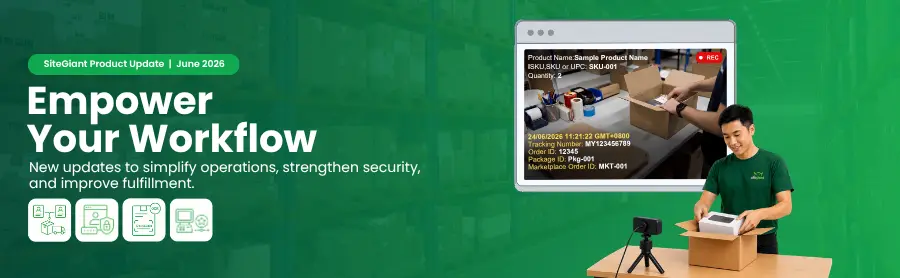
As we step into July 2026, let’s recap the key SiteGiant system updates launched in June. These enhancements are designed to help you simplify operations, strengthen security, improve fulfillment efficiency, and deliver a better experience for your customers.
Let’s take a look at what’s new and how these updates can support your business growth.
Feature Enhancements You Shouldn’t Miss in June 2026!
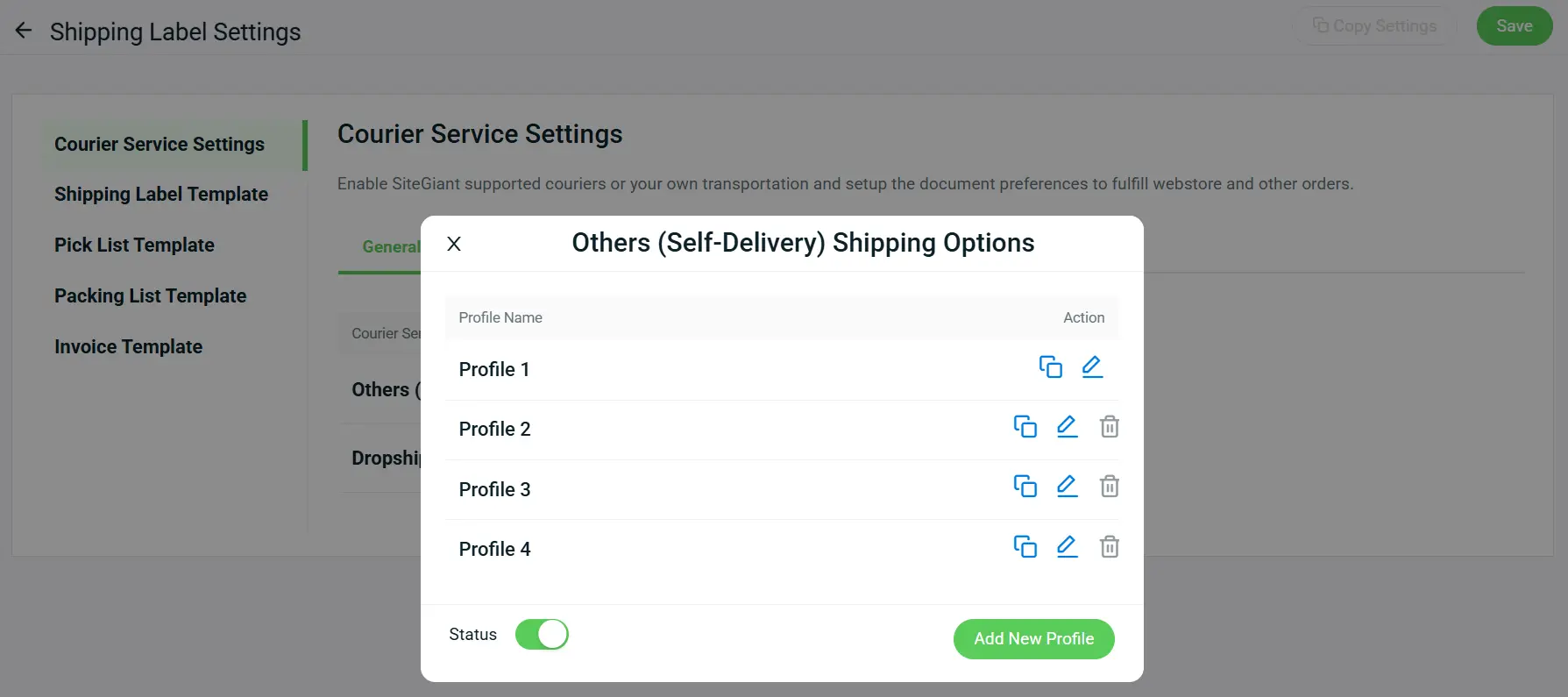
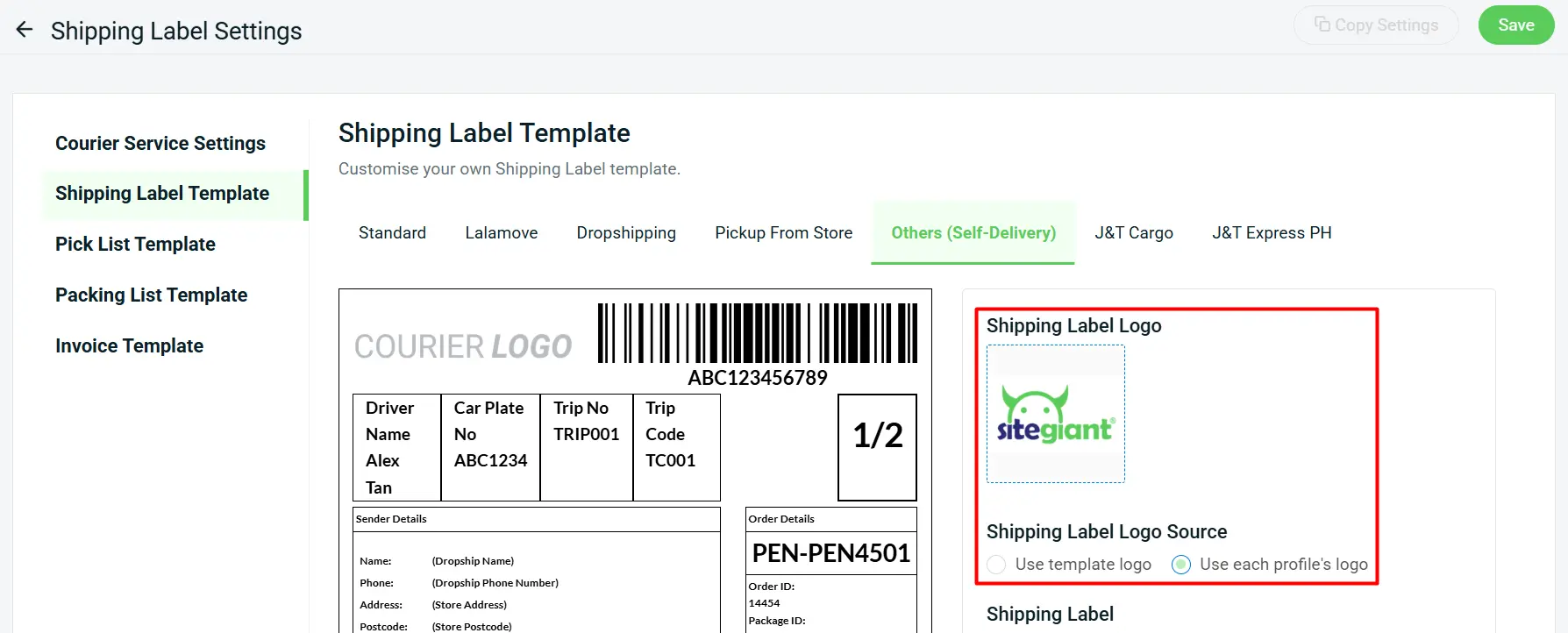
1. [Order Processing] Manage Self-Delivery More Flexibly with Multiple Courier Profiles
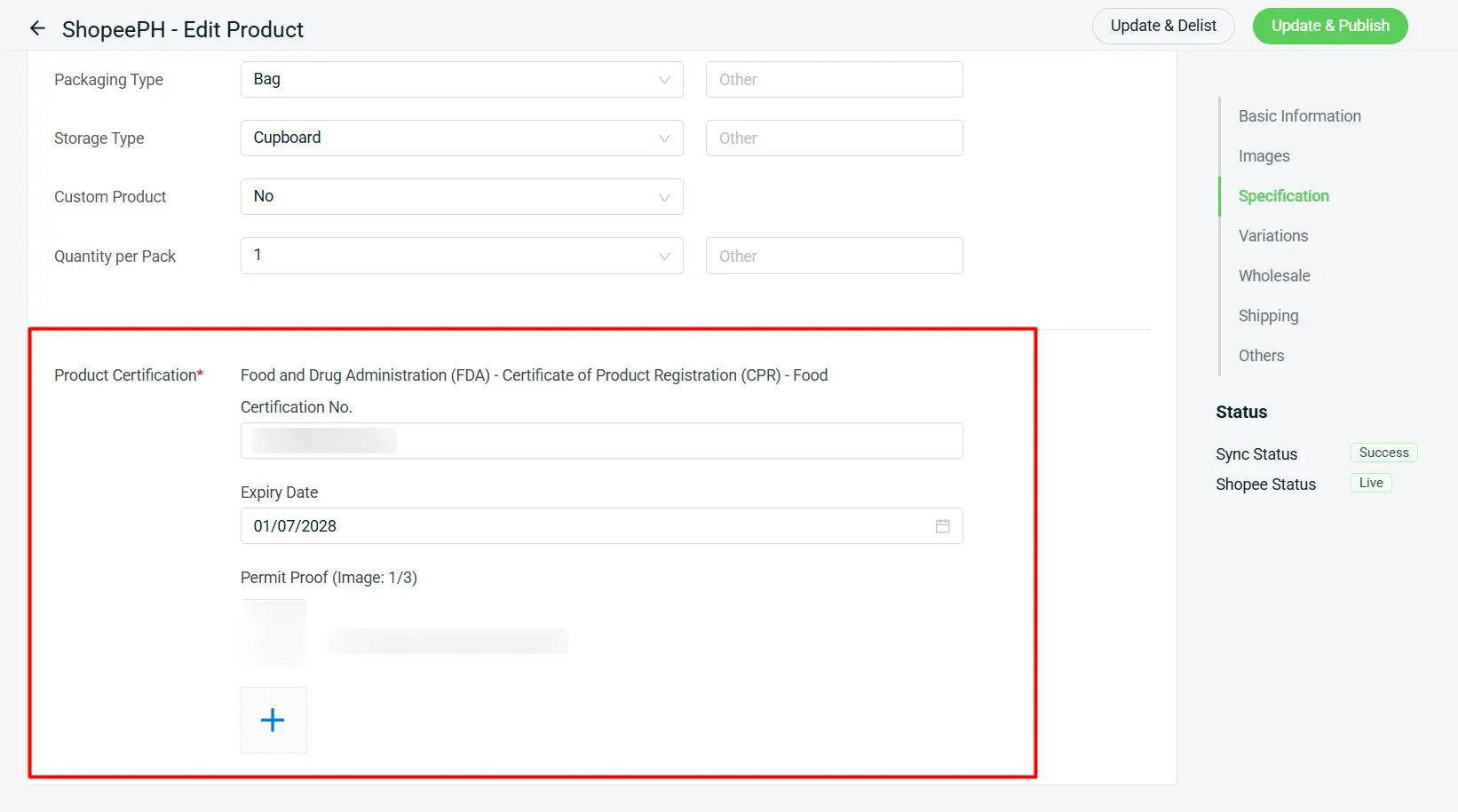
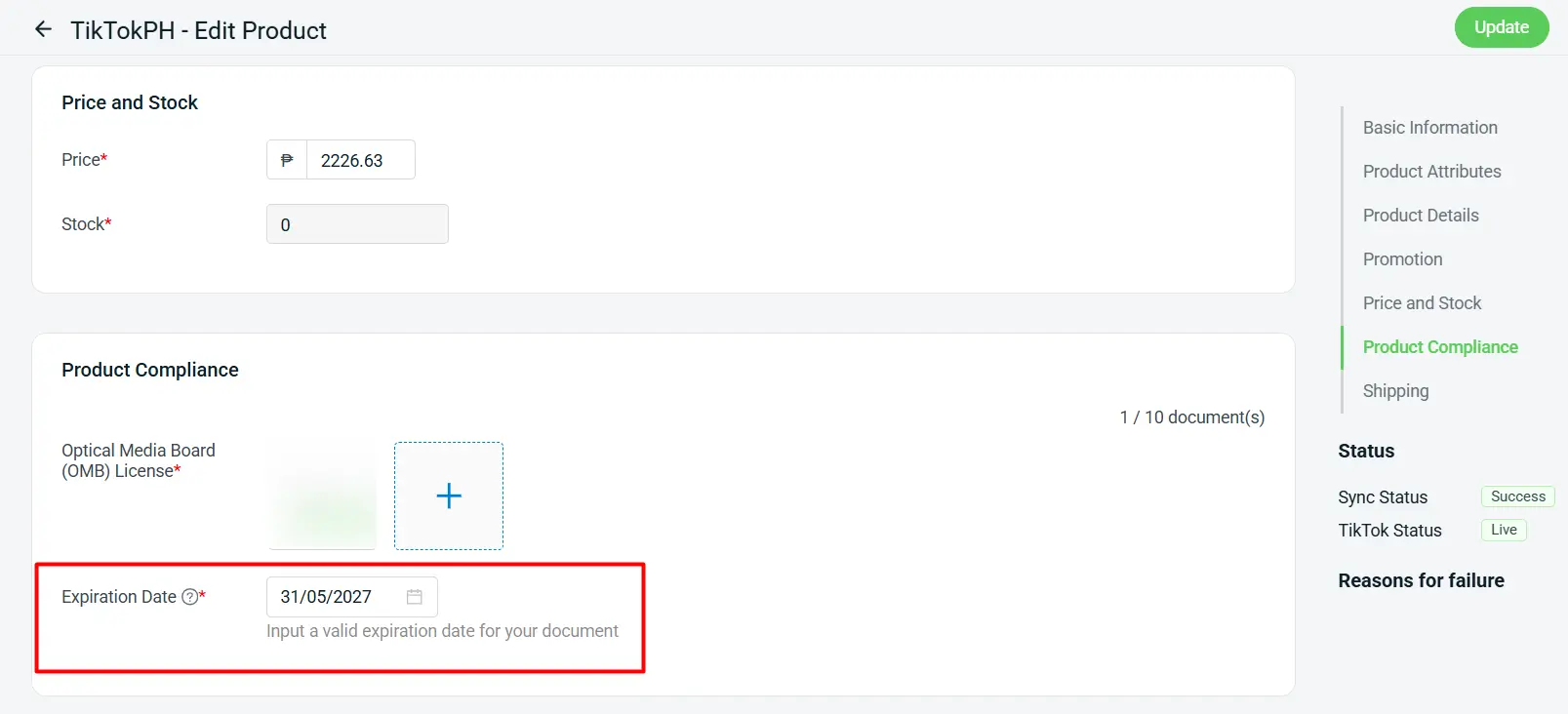
2. [Products] Simplify Compliance with Product Certification Support
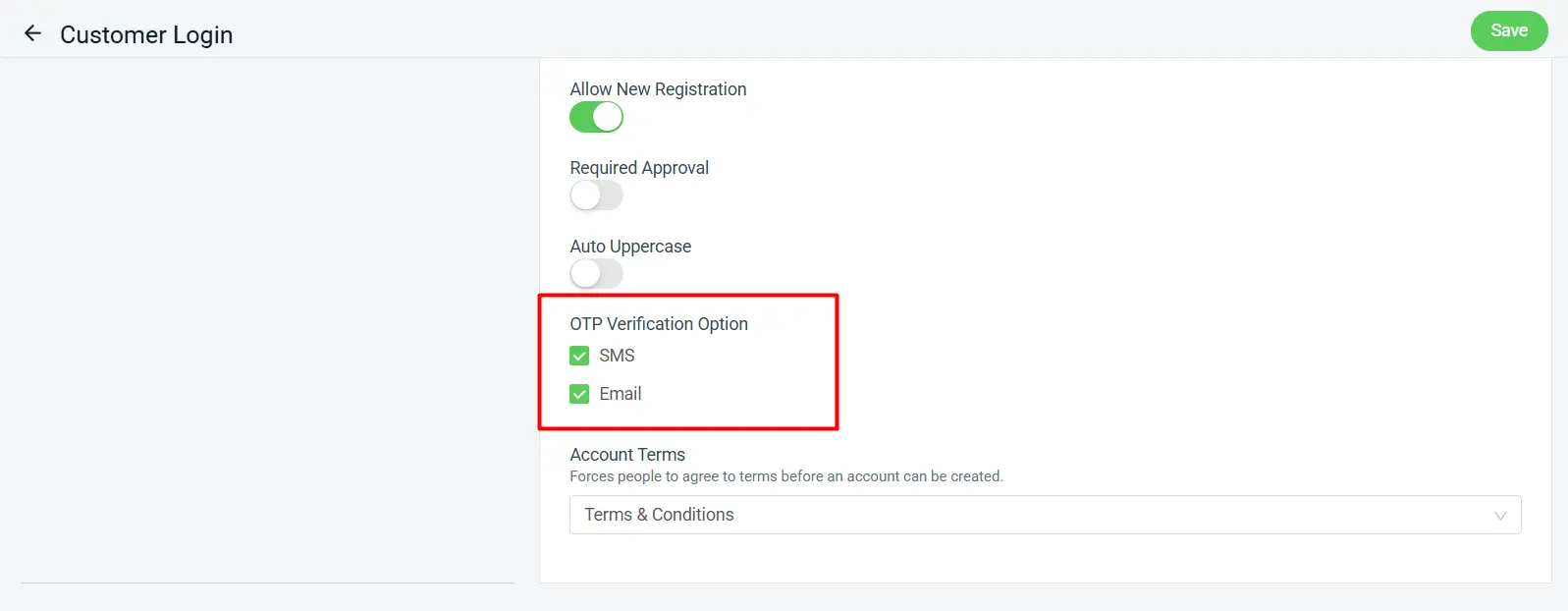
3. [Setting] Enhance Customer Login Flexibility with Email OTP Verification
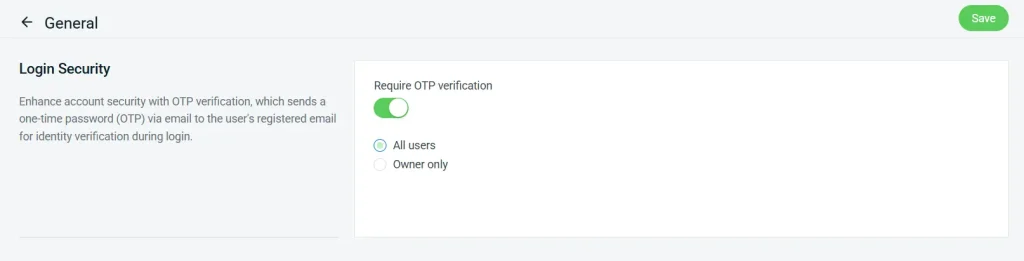
4. [Setting] Protect Your SiteGiant Account with OTP Verification
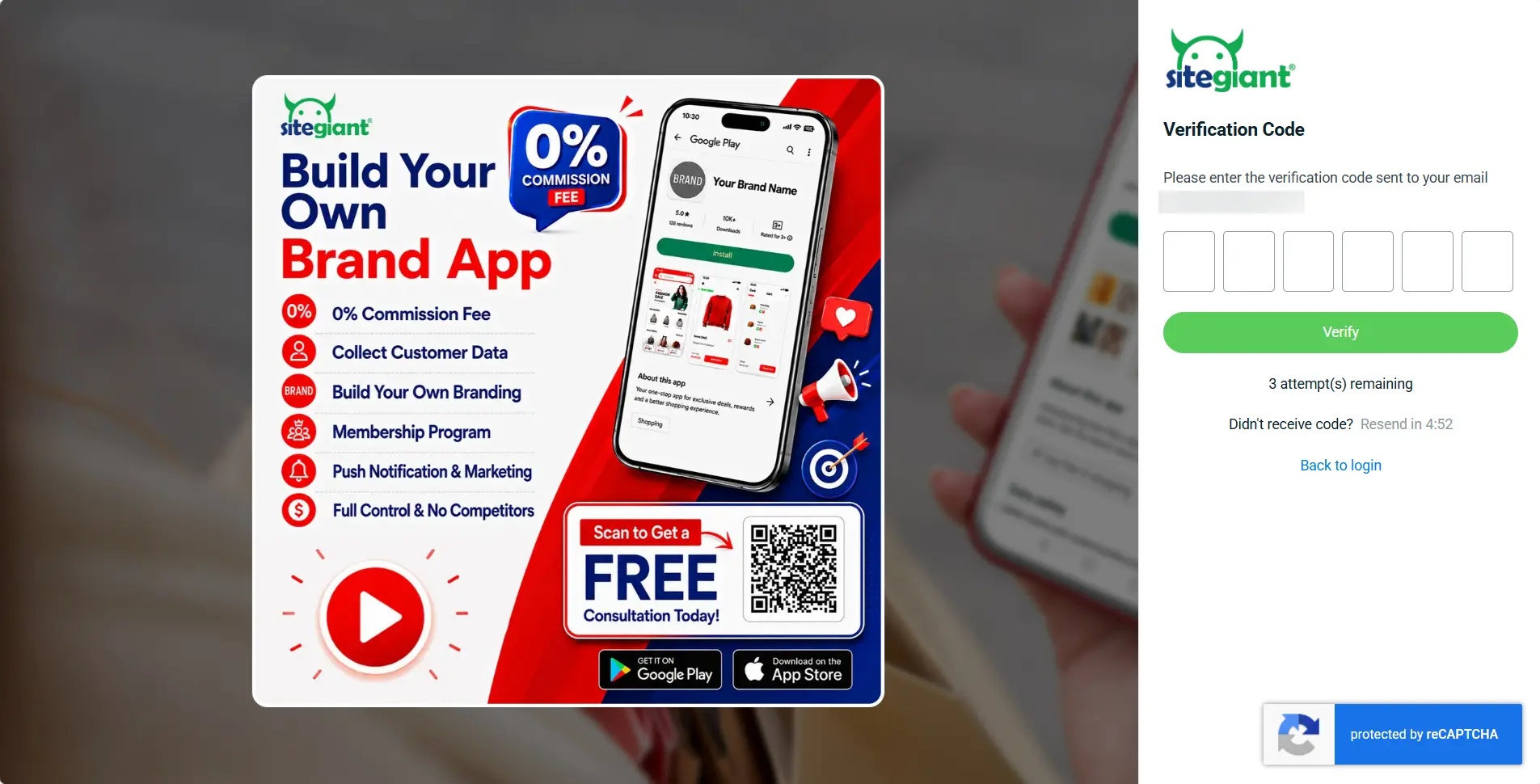
OTP verification is supported across the following SiteGiant platforms. Please update the applications to the latest version from Google Play Store or Apple App Store.
- SiteGiant ERP
- SiteGiant POS
- SiteGiant Multichat (Web & App)
- SiteGiant ONE App
- SiteGiant Smart Salesman App
- SQL Sync App
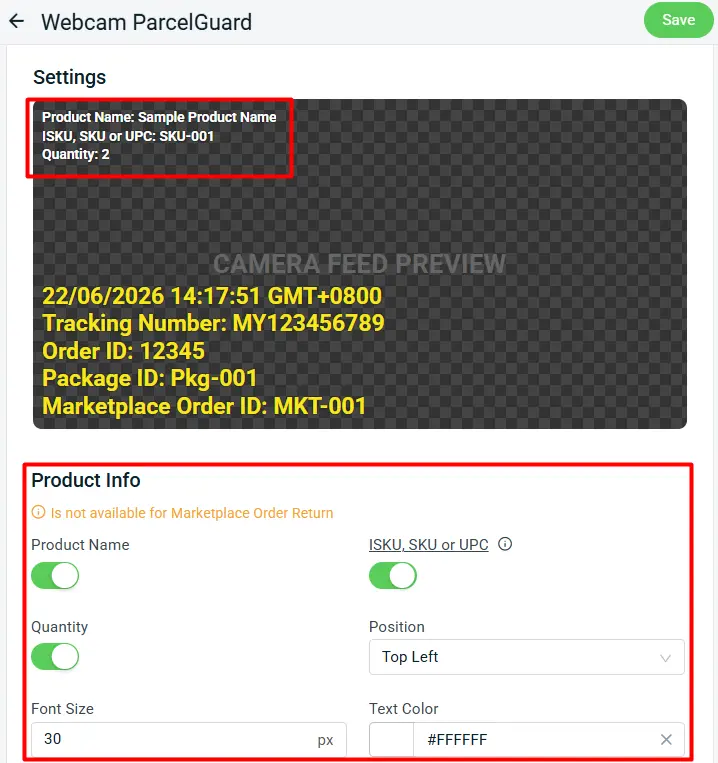
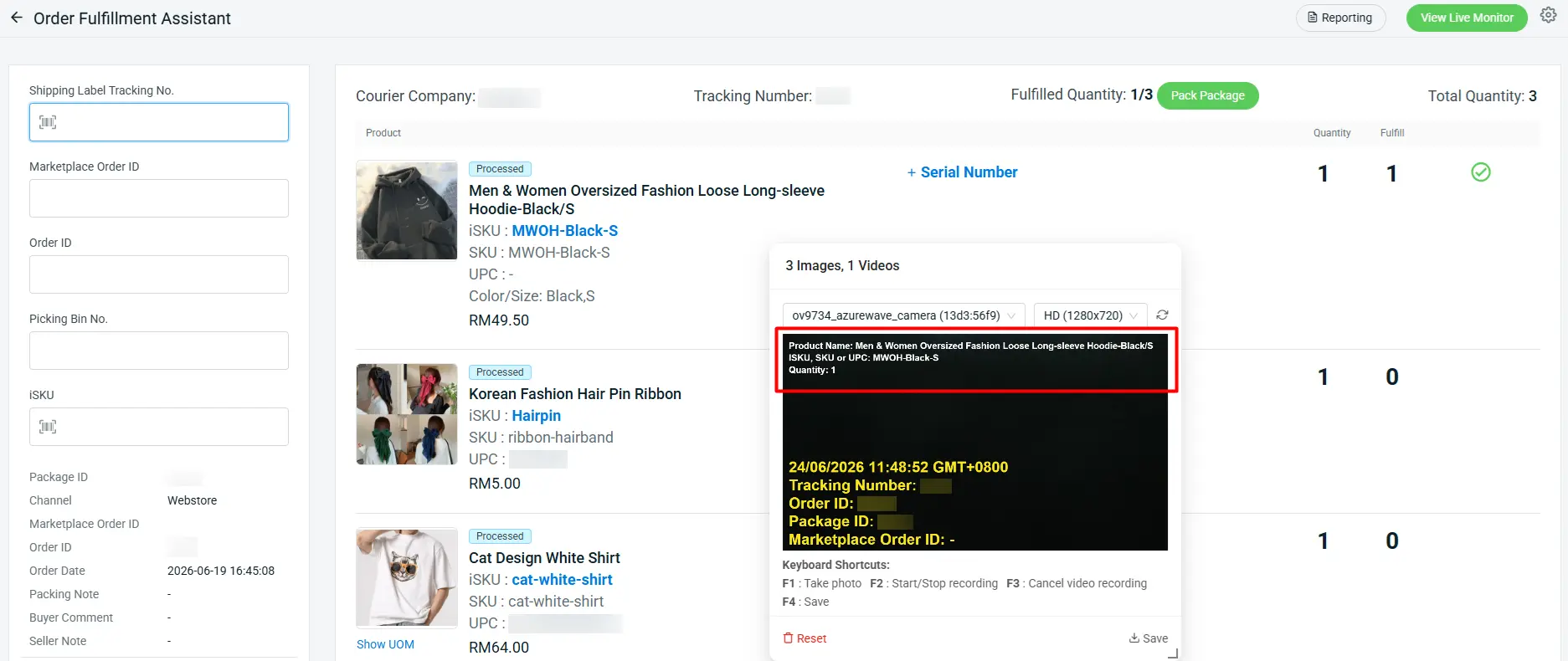
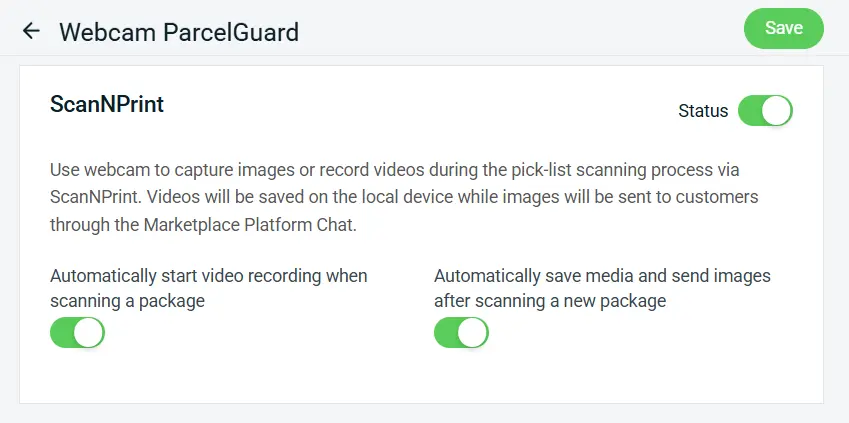
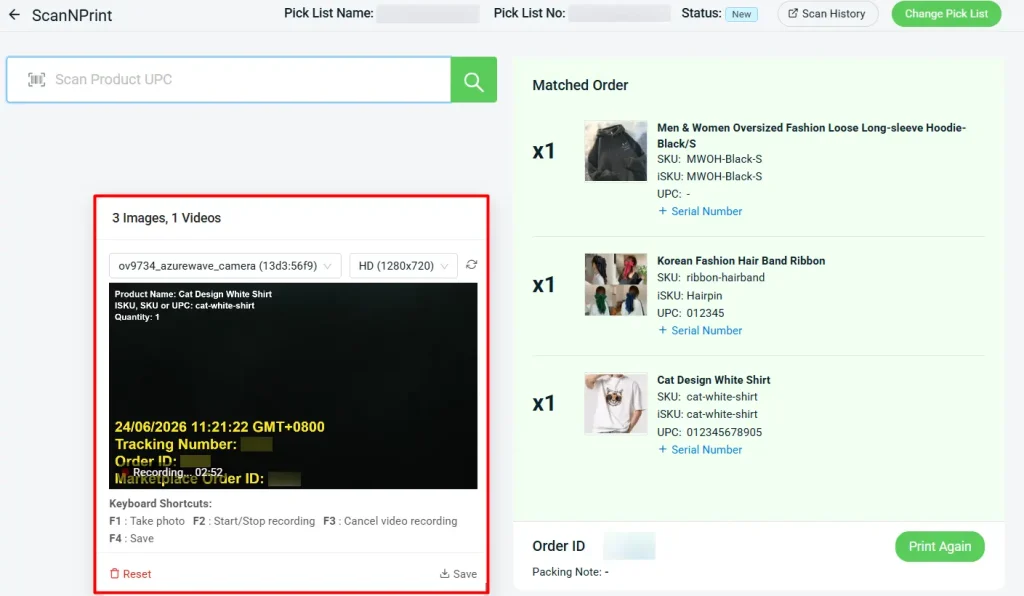
5. [Webcam ParcelGuard] Stronger Packing Proof with Product Info and ScanNPrint Support
You can now enable Product Info settings to automatically display product details on your video recording upon scanning each item. It helps make every proof-of-packing video more informative, transparent, and dispute-ready.
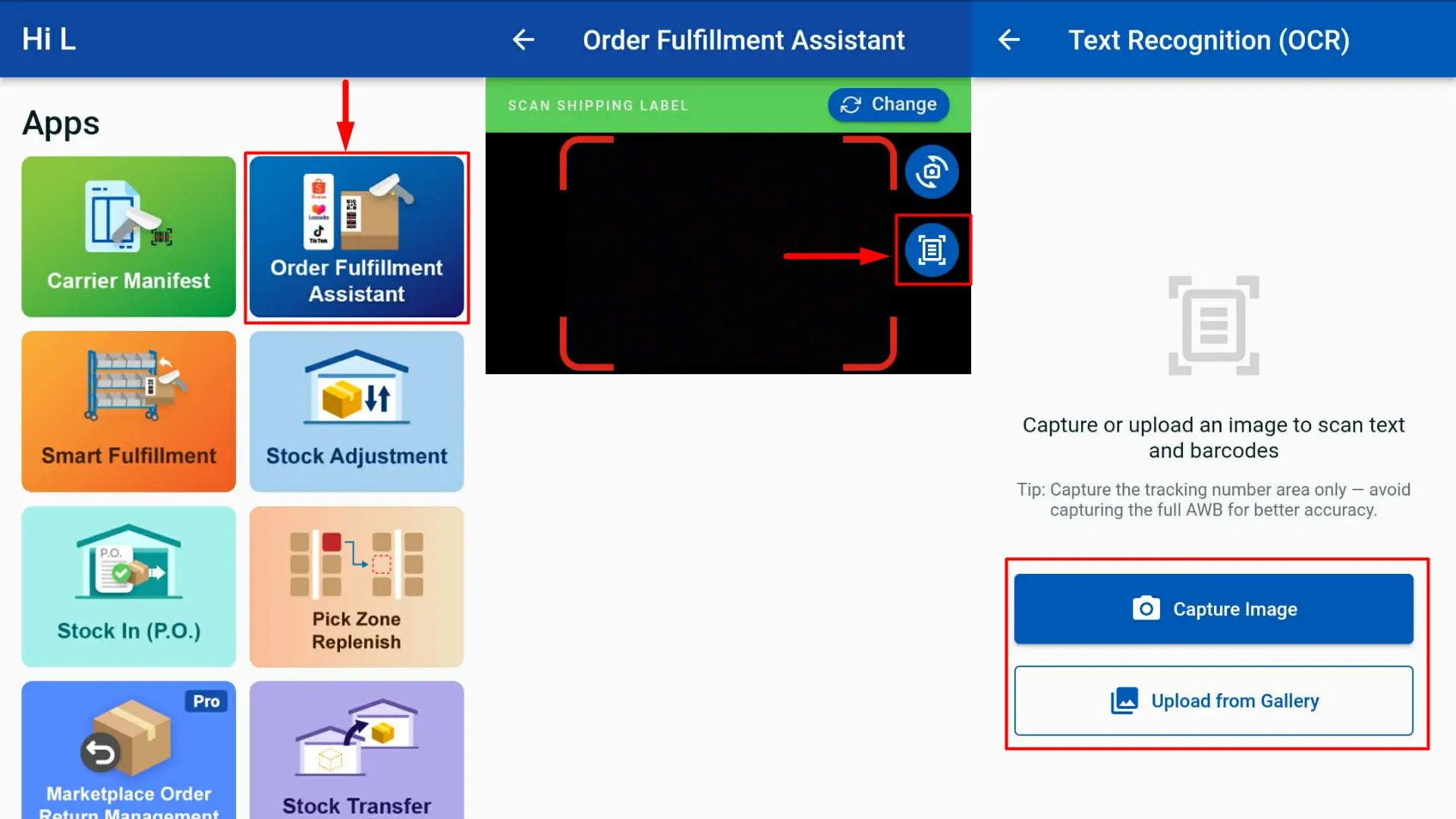
6. [SiteGiant ONE] Capture Tracking Numbers More Easily with OCR Recognition
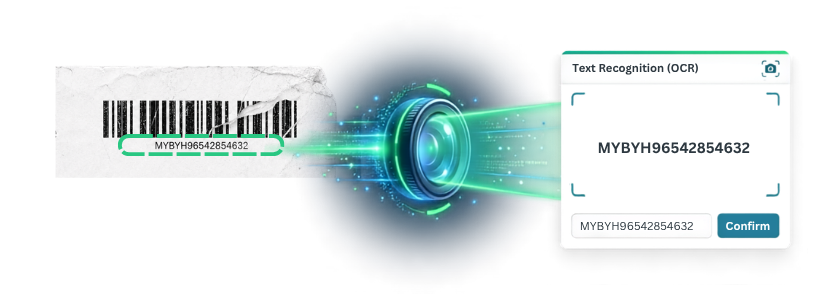
AWB barcodes can sometimes be difficult to scan due to poor print quality, damaged labels, or blurry images. These issues can slow down the packing and fulfillment process, especially during peak order periods.
This enhancement is available in the Order Fulfillment Assistant using Scan with Camera. For optimal OCR accuracy, we recommend focusing on the tracking number area instead of capturing the entire AWB.
How It Works:
1. Log in to the SiteGiant ONE App and navigate to Order Fulfillment Assistant.
2. Tap the OCR Scan icon.
3. Choose Capture Image or Upload from Gallery. The system will analyze the image and detect readable text or barcodes.
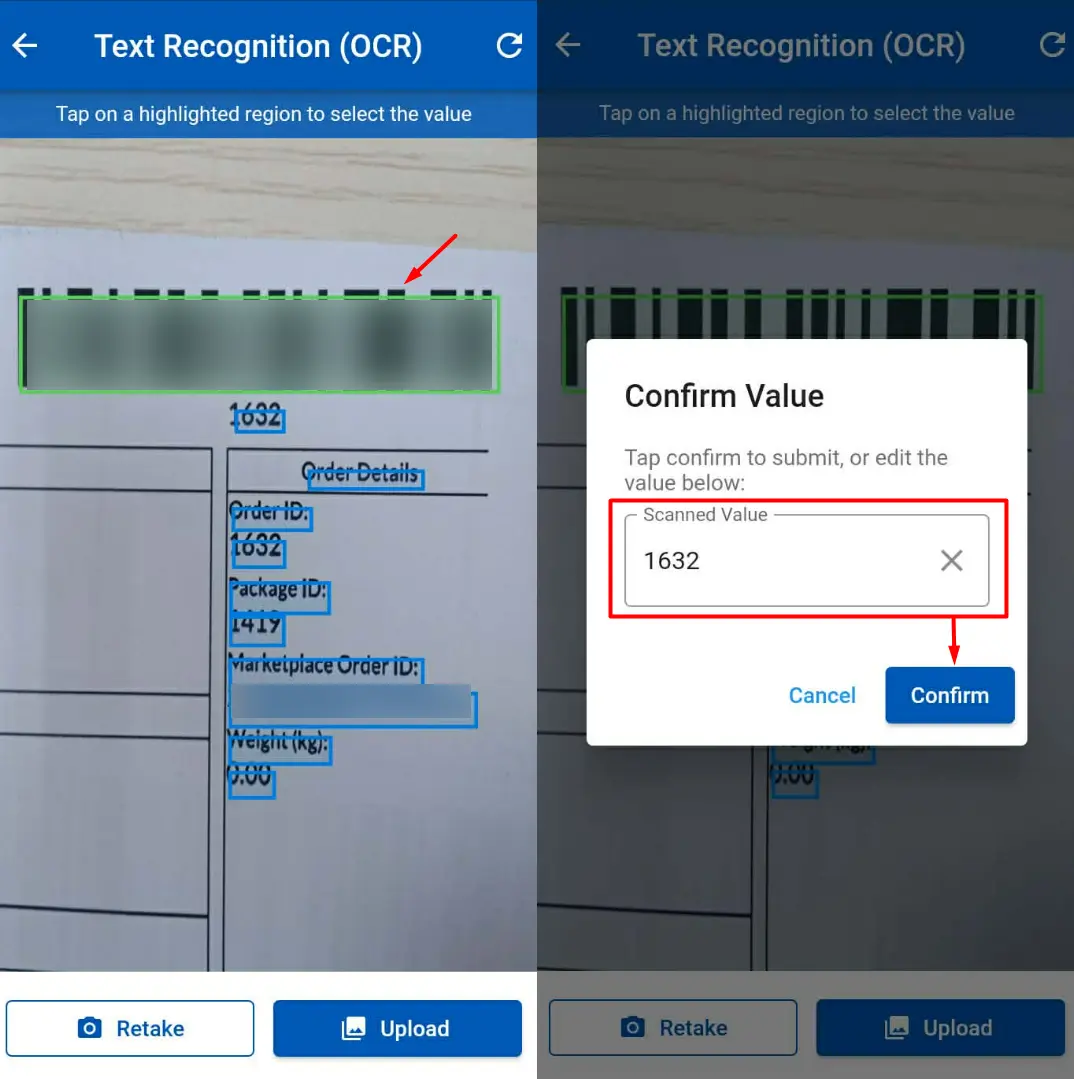
4. Select the correct barcode or text from the highlighted results.
5. Review and edit the scanned value if needed, then click Confirm.
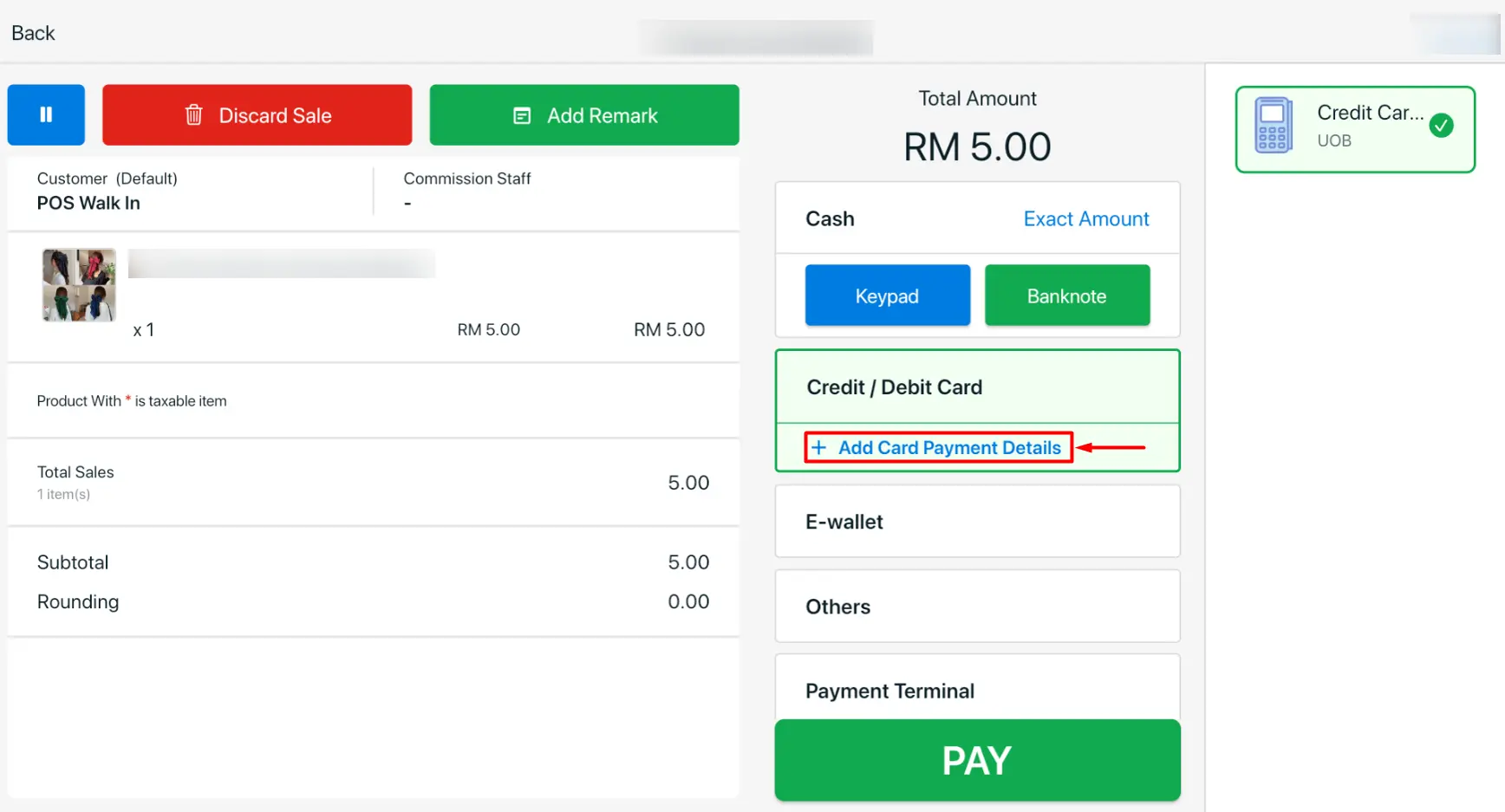
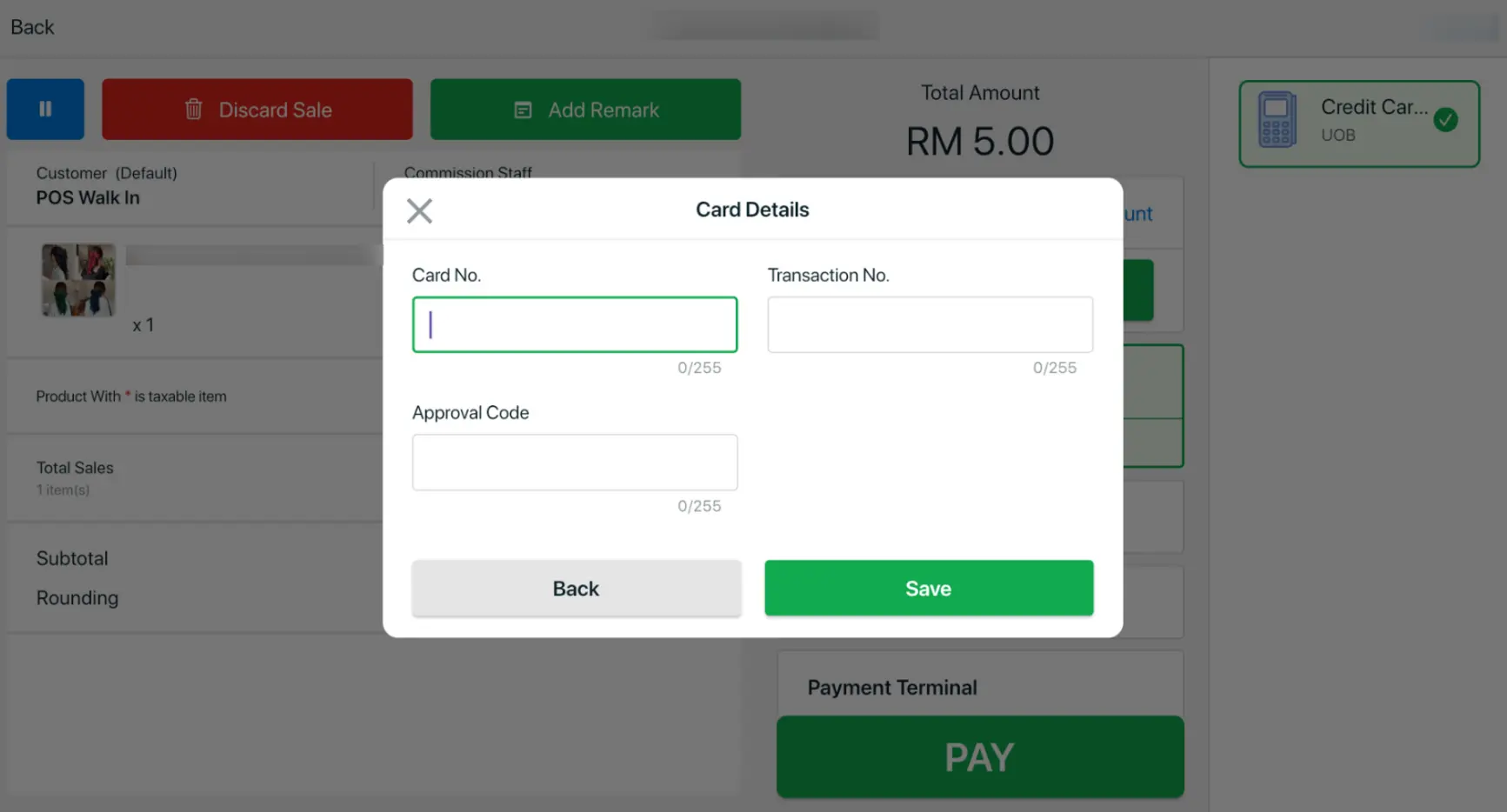
7. [SiteGiant POS] Enhanced Card Payment Handling and Receipt Customisation
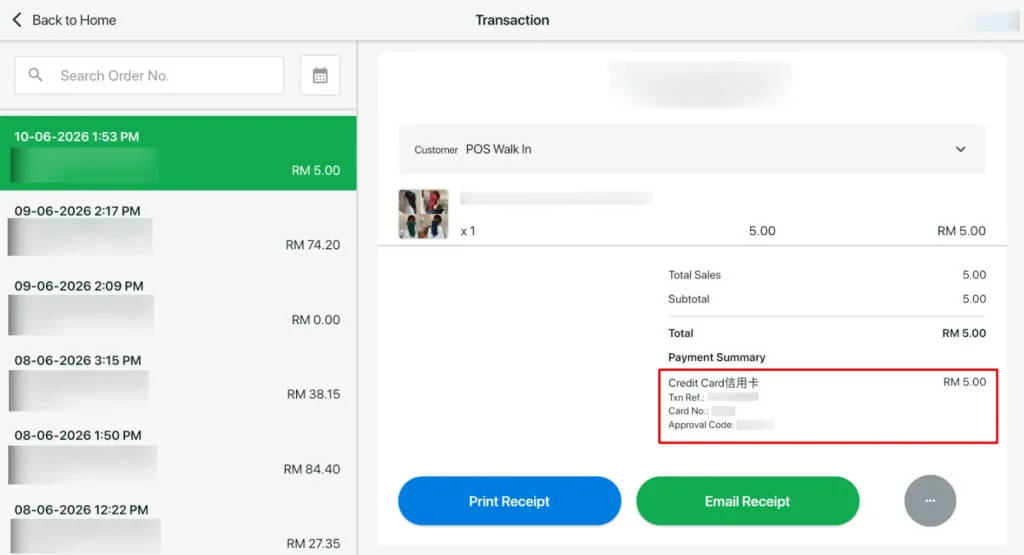
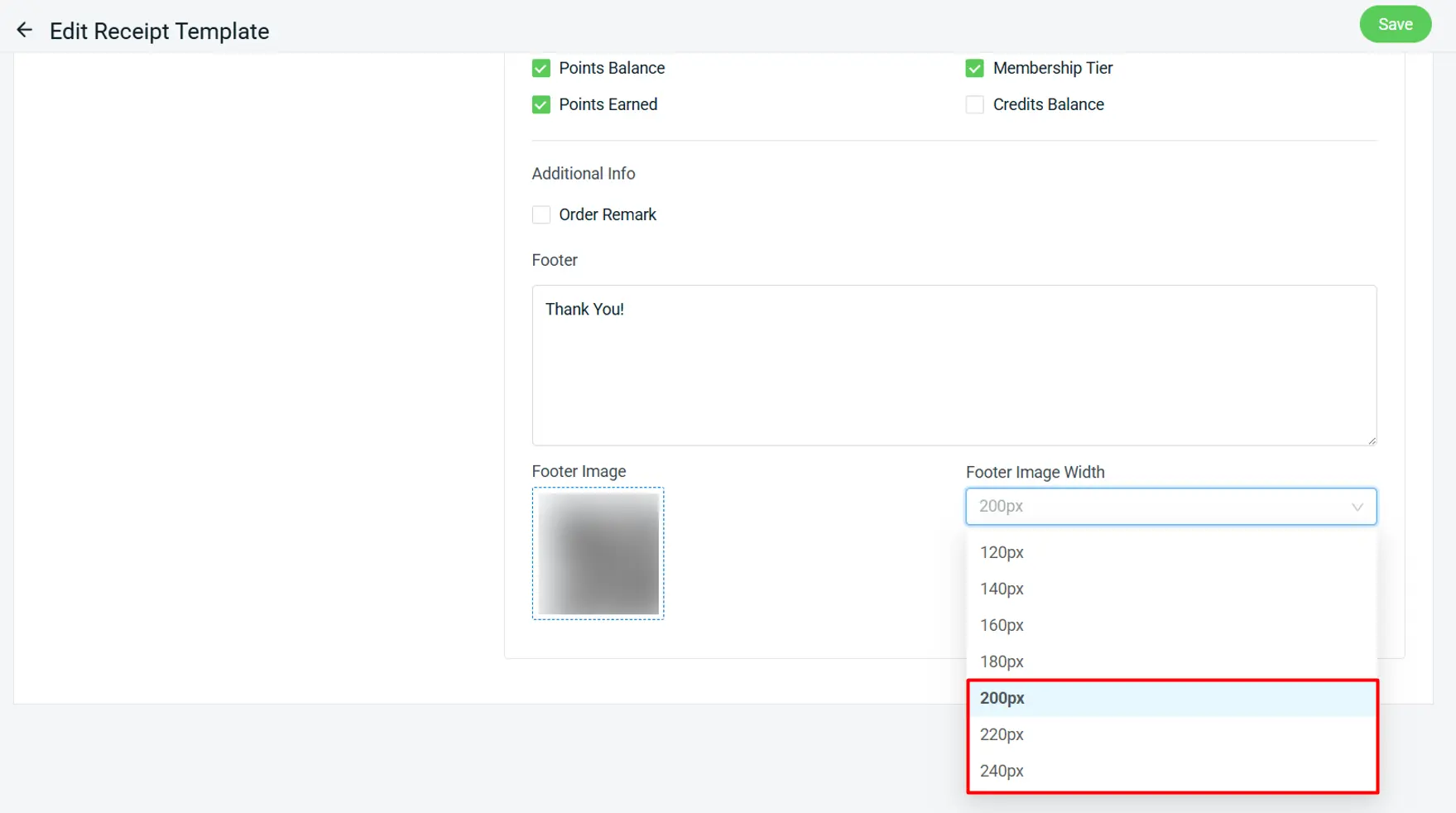
ii. Receipt Template
You can now adjust the footer image size in your receipt template with new width options of 200px, 220px, and 240px, giving you more control over receipt layout and branding.
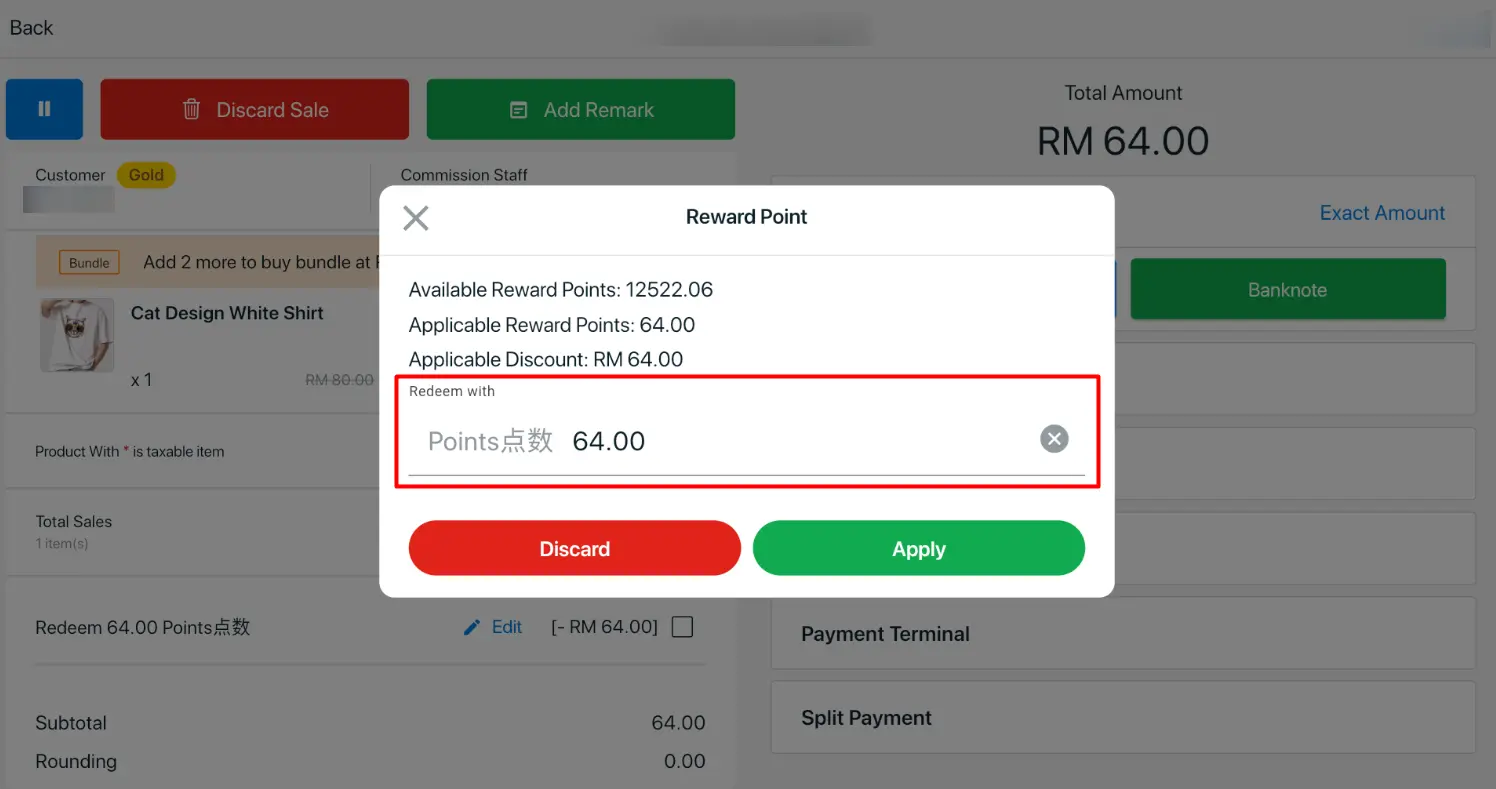
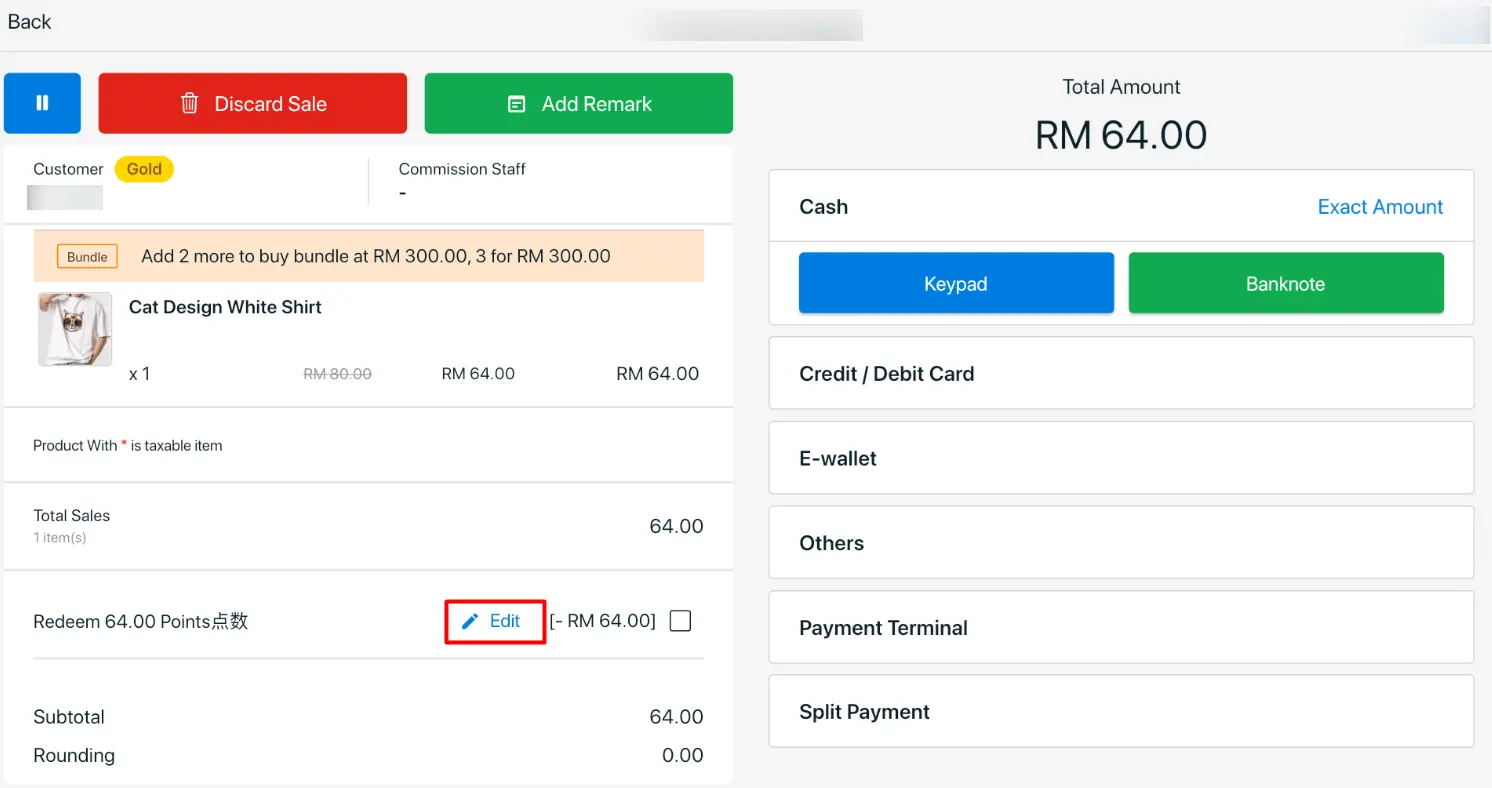
8. [SiteGiant POS] Flexible Reward Points Adjustment for Each Order
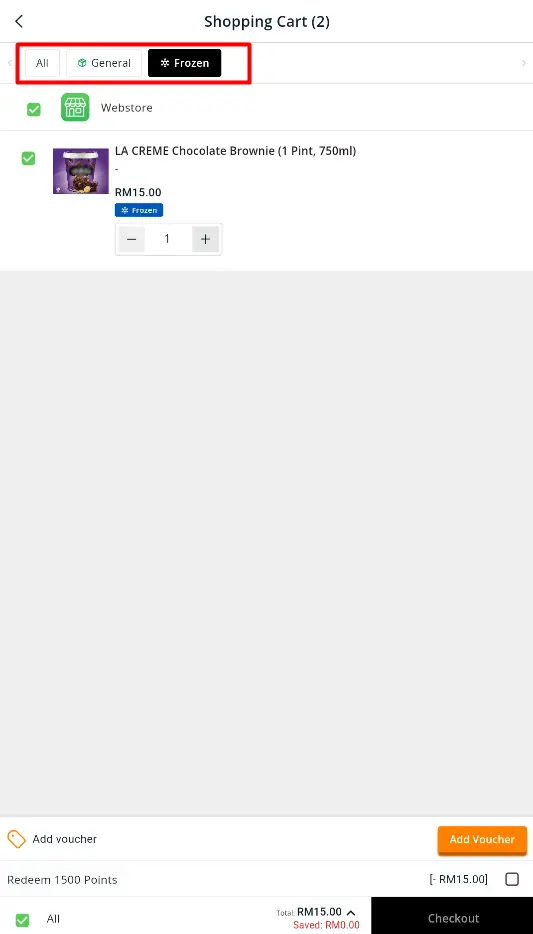
9. [Shopping App] Smart Split Checkout for More Accurate Shipping